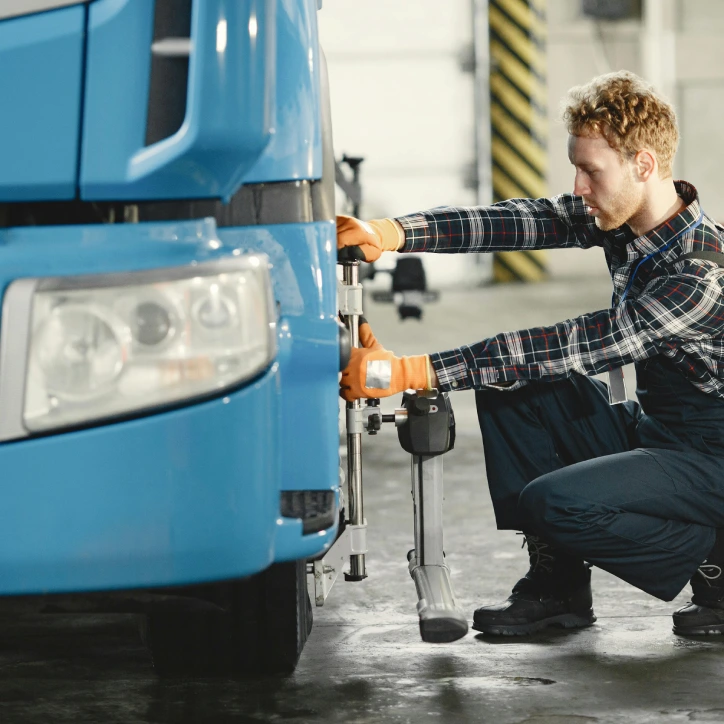
Our vehicle inspections replace slow, unreliable paper checklists with a digital workflow. You can collect issues easily, reduce repair costs, and keep vehicles safe on the road.
Why use vehicle inspections
Prevent costly repairs
Regular checks help drivers report faults before they become bigger problems. Small issues can be fixed earlier, reducing downtime and expensive repairs.
Save time with digital forms
No more paper forms or manual chasing. Drivers complete the inspection digitally, and all information is stored in one place for quick review.
Reduce operational risks
Faults, tyre damage, broken lights, and bodywork issues can be identified before a vehicle goes back on the road, helping fleets lower risk.
Streamline communication between drivers and managers
Managers see issue reports faster, can review history, and organise maintenance without waiting for messages, emails, or handwritten notes.
Trusted by Fleets of All Sizes
Client stories
What fleets say about Telematica
The Telematica platform is a very powerful solution to save both time and resources.
Hannah Barrett
For me, the most important thing is that I can see a clear and precise overview of the fleet.
Joshua McKenzie
It is very intuitive and user friendly. Digital inspections improved our daily process.
Mia Thornton
With Telematica, we can receive issue notifications and react before minor faults turn into bigger problems.
Daniel Henderson
How vehicle inspections work
Build inspection plans that fit your fleet
Create inspection templates in the system so your drivers know what to check and what information needs to be completed.
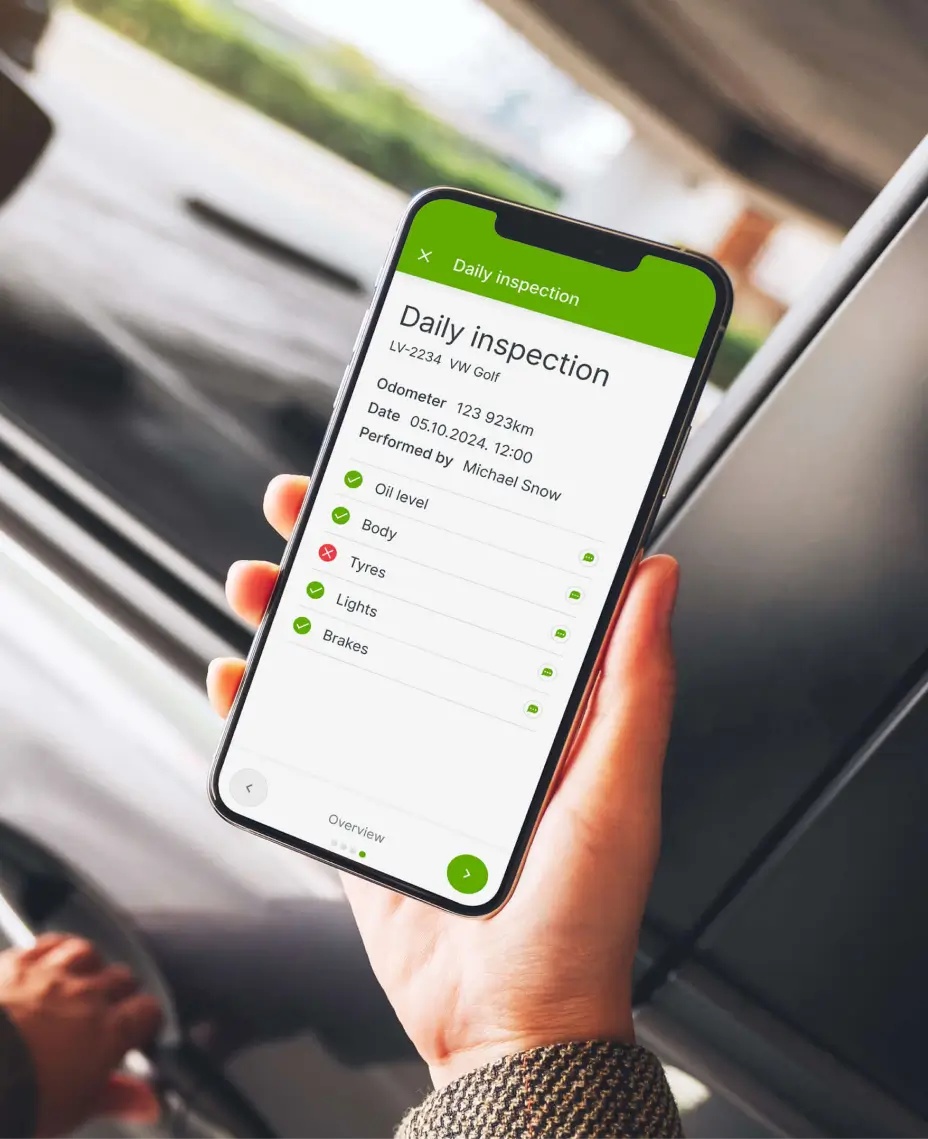
Drivers complete inspections in the Telematica Driver app
Inspections can be performed on mobile devices. Drivers can add notes, issue details, and photos if required.
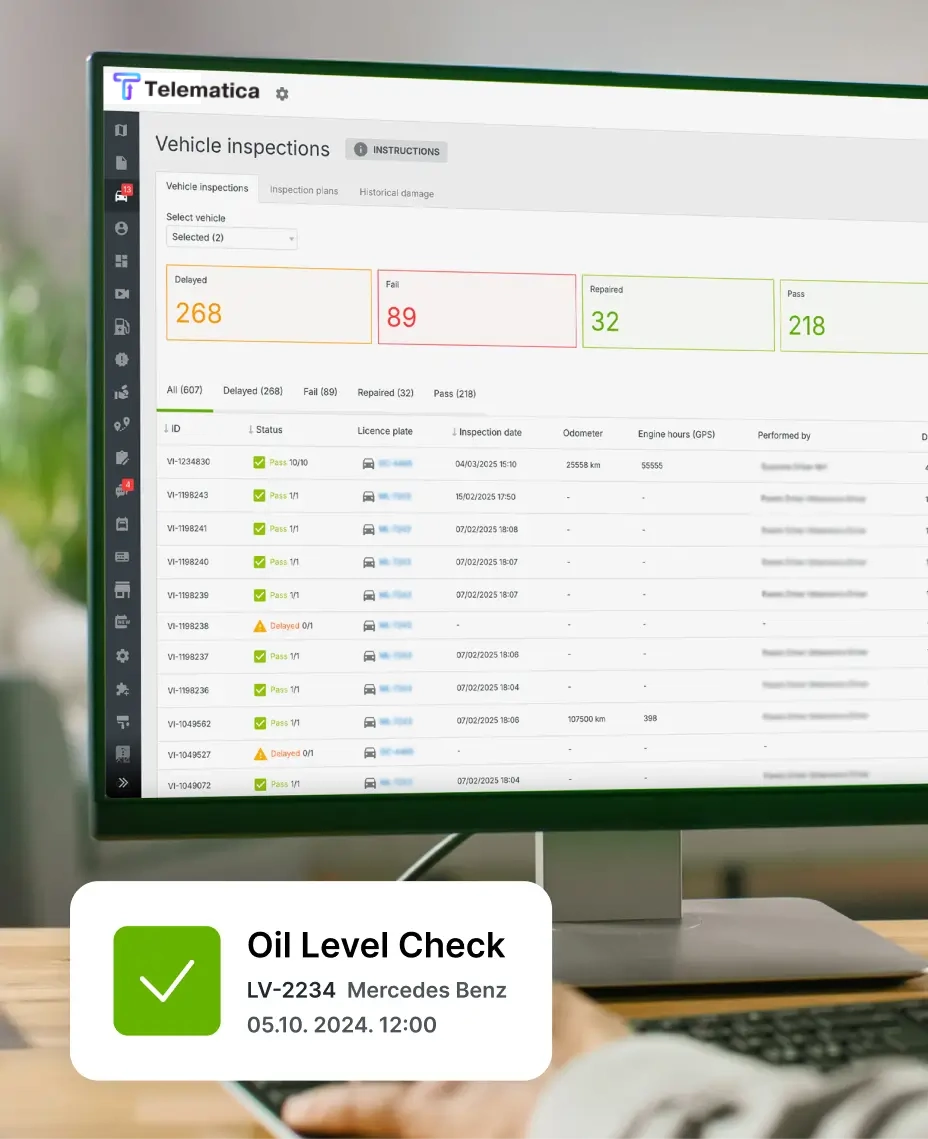
Manage reported damages in one place
Managers can review all submitted defects, open issues, and historical inspection records in the Telematica platform.
Schedule repairs and track maintenance workflows
Once a new defect is detected, fleets can organise maintenance faster and follow issue progress without relying on separate tools.
Transparency that protects drivers
Digital inspections take pressure off drivers, as they clearly show when an issue was first spotted.
A quick one-tap report creates a time-stamped record, removes doubts about responsibility, and alerts the office instantly. It also proves the driver reported the issue early, avoiding unfair responsibility.
Managers can then decide whether the vehicle should continue or go to service, preventing small defects from becoming big, costly problems.
Vehicle inspection: key features
Custom inspection dashboards: build digital forms adapted to your fleet type and internal process.
Historical damage tracking: keep a record of issue reports so managers can review recurring or unresolved faults.
Customise criticality: set importance levels for defects and prioritise repairs more effectively.
Repair cost tracking: monitor issue history and service outcomes to understand vehicle condition better.
Get a demo now
Fill out the form and receive an offer. Interested, but not sure how to start? We’ll arrange a short online meeting and help you understand the best setup for your fleet.
Combine vehicle inspections with other fleet management solutions
Maintenance monitoring
Use defect information to track vehicle service needs, upcoming repairs, and maintenance records in one place.
Fuel control
Detect vehicle issues that may affect fuel use and combine inspection data with Telematica fuel control solutions.
Driving behaviour monitoring
Encourage safer driving habits and monitor driving-related vehicle wear, fuel waste, and accident risk.
Extend safety beyond the ignition — integrate vehicle inspections with Telematica’s full fleet management ecosystem.
We are here to help you!
We will be happy to assist you and tell you more about our product and solutions.
Digital vehicle inspections replace paper checklists with mobile forms that drivers can complete in the app. Information is stored online and can be reviewed by managers immediately.
Can I create different inspection forms for different vehicles?
Yes. Inspection templates can be adapted for different vehicle types, operational needs, and internal workflows.
How do drivers report inspections?
Drivers can complete inspections in the Telematica Driver app, add issue details, and submit reports directly from their mobile devices.
What happens when damage is reported?
Managers can review the issue in the platform, check the inspection history, and decide whether the vehicle can continue or should go for maintenance.
Can I track repair costs?
Yes. Vehicle inspections can help fleets create a clearer maintenance history and understand how often issues appear and what repairs are required.
Can we set inspection reminders?
Yes. Inspection processes can be structured to fit regular daily checks and company workflows so drivers know when inspections need to be completed.
Is it part of the Telematica platform?
Yes. Vehicle inspections work together with the Telematica platform and Telematica Driver app, giving fleets one connected environment for reporting, review, and follow-up.